iFANN
    ابحث في iFANN...
    تسجيل الدخول
    الرئيسية
    الأخبار
    فيديوهات
    صور
    صور GIF
    استكشاف
    استطلاعات
    الجوائز
    iFAMOUS
    ويكي
    أنمي
    غرف
    الإشعارات
    الرسائل
    المحفوظات
    الملف الشخصي
    ويكيالجوائزiFAMOUSالتصنيفاتالقطاعاتمكافآت المبدعينمكافآت المستخدمينالشروطالخصوصيةإرشادات المجتمعالإزالة / DMCAالمساعدةالمطورون

    © 2026 iFANN

    الرئيسية
    بحث
    الرسائل
    التنبيهات
    الملف الشخصي
    صورة
    Timofey
    Timofey@timofey1mo
    💭Tech💭Productivity
    20 Microsoft Excel Keyboard Shortcuts

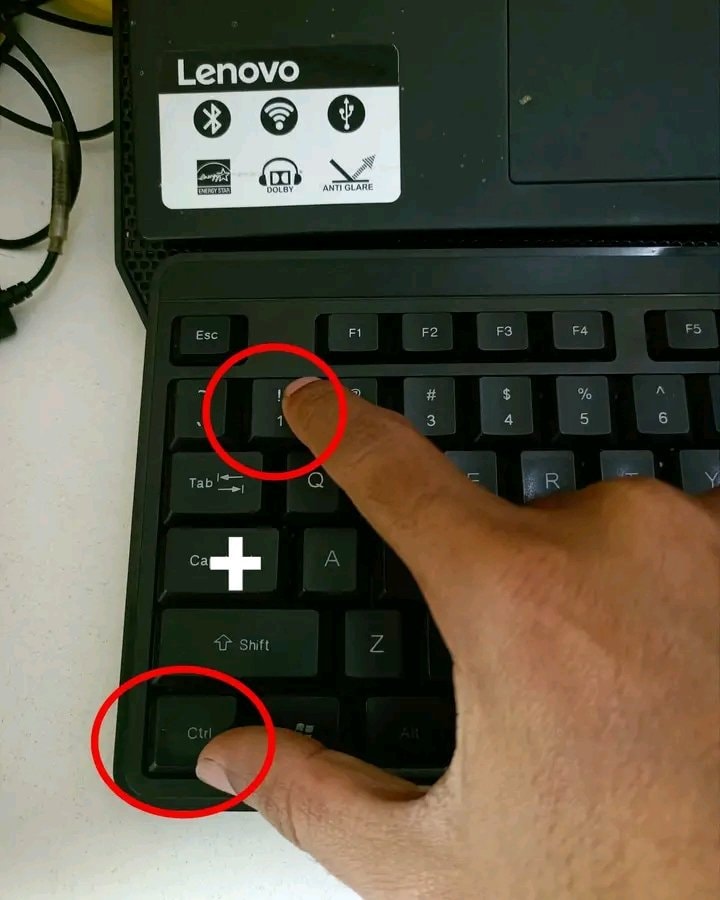
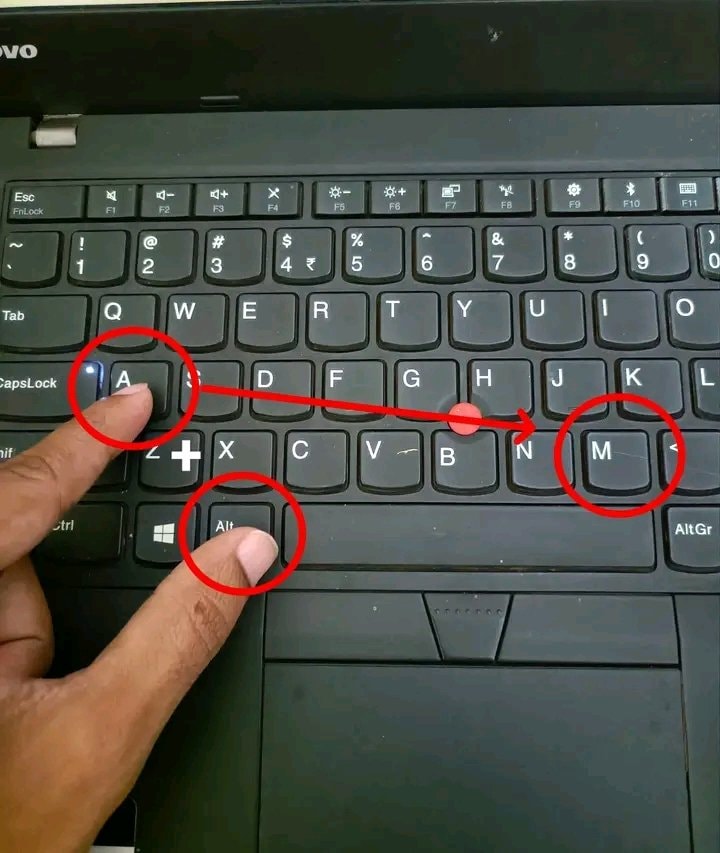
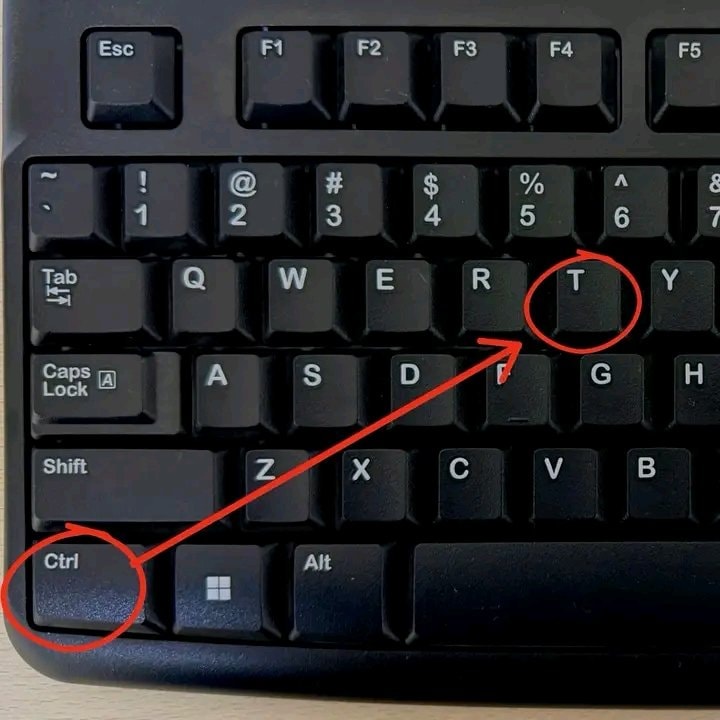
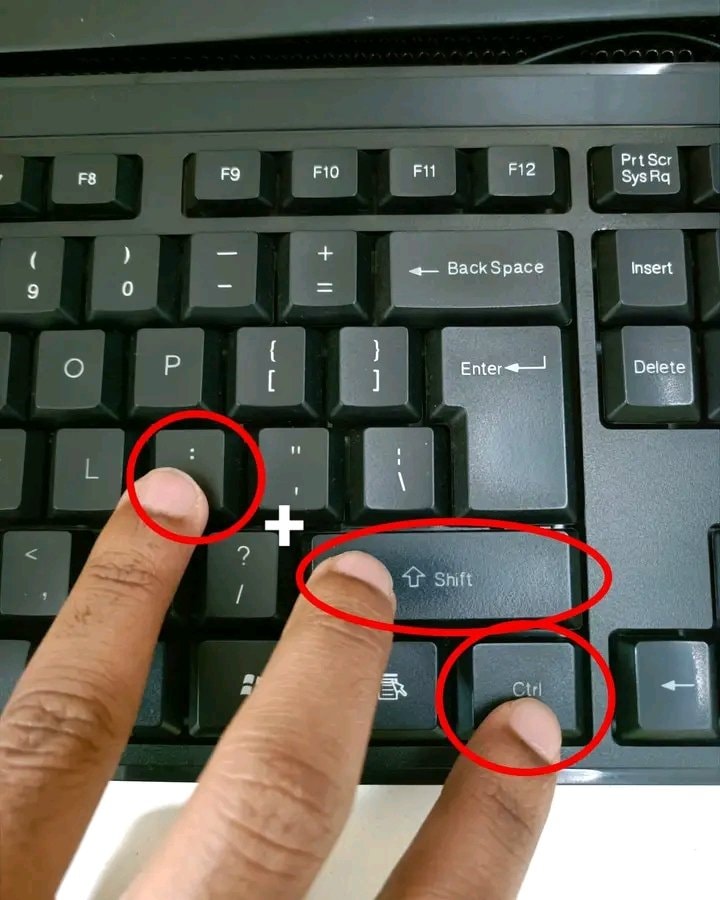
    @timofeyStop clicking around Excel! Here are 20 Microsoft Excel keyboard shortcuts to save time. Ctrl + C is for Copy and Ctrl + V is for Paste while Ctrl + X handles Cut. Hit Ctrl + Z for Undo or Ctrl + Y for Redo when needed. Save your work fast with Ctrl + S, Find anything with Ctrl + F, or use Ctrl + H for Find & Replace. Select All with Ctrl + A, jump through data using Ctrl + Arrow, and select data quickly with Ctrl + Shift + Arrow. Go to cell A1 via Ctrl + Home or reach the last used cell with Ctrl + End. Edit a cell with F2, AutoSum with Alt + =, and open Format Cells with Ctrl + 1. Insert today's date using Ctrl + ; and current time with Ctrl + Shift + :. Turn filters on or off with Ctrl + Shift + L. The image highlights creating a table with Ctrl + T. Save this post so you can come back to it later! Which Excel shortcut do you use the most? #Tech

    عرض المنشور الأصلي
    20 Microsoft Excel Keyboard Shortcuts

    صورة بواسطة @timofey· Aug 21, 2026· Tech

    عن هذه الصورة

    The focus is a computer keyboard. Red circles highlight the "Ctrl" and "T" keys, with a red arrow connecting them. The image is a close-up, top-down shot of the keyboard's keys. The mood is instructional or informative, likely demonstrating a keyboard shortcut. The keys are standard QWERTY layout.

    عرض كل صور Tech

    ?

    لا توجد تعليقات بعد. كن أول من يعلّق!

    المزيد من صور Tech

    عرض كل صور Tech
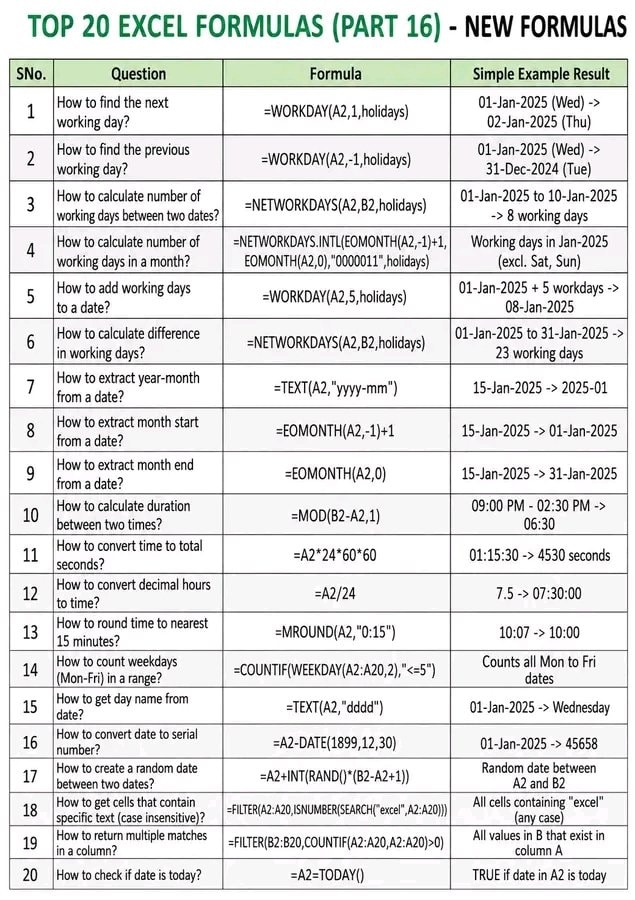
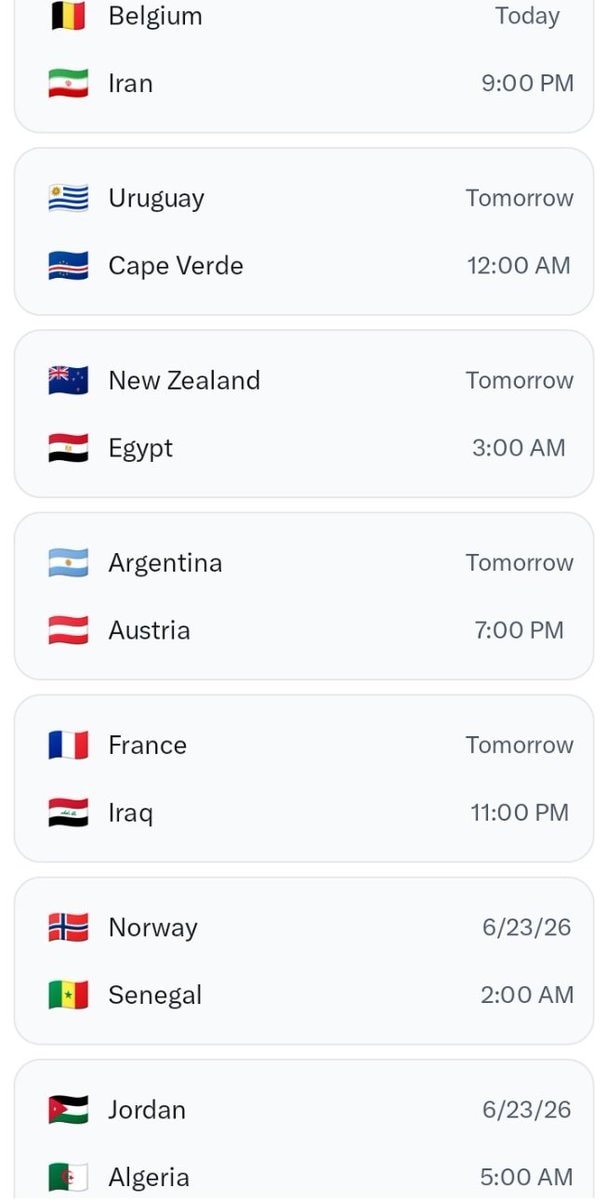
    Excel keyboard shortcuts listExcel keyboard shortcuts listExcel Keyboard Shortcuts GuideExcel Keyboard Shortcuts GuideExcel IF Function automation guideExcel IF Function automation guideTOP 20 EXCEL FORMULAS PART 16 NEW FORMULASTOP 20 EXCEL FORMULAS PART 16 NEW FORMULASExcel keyboard shortcuts guideExcel keyboard shortcuts guideExcel keyboard shortcuts guideExcel keyboard shortcuts guideComputer keyboard shortcuts listComputer keyboard shortcuts listChinese rural welfare onion stir-fried eggsChinese rural welfare onion stir-fried eggsDIY repair gray material removalDIY repair gray material removalDIY bike upgradesDIY bike upgradesRainbow glass blocks DIY drillRainbow glass blocks DIY drillFIFA World Cup 2026 matchesFIFA World Cup 2026 matchesFrance vs Senegal World Cup 2026 qualifierFrance vs Senegal World Cup 2026 qualifierFrance vs Senegal World Cup 2026France vs Senegal World Cup 2026
    صورة
    Timofey
    Timofey@timofey1mo
    💭Tech💭Productivity
    20 Microsoft Excel Keyboard Shortcuts

    @timofeyStop clicking around Excel! Here are 20 Microsoft Excel keyboard shortcuts to save time. Ctrl + C is for Copy and Ctrl + V is for Paste while Ctrl + X handles Cut. Hit Ctrl + Z for Undo or Ctrl + Y for Redo when needed. Save your work fast with Ctrl + S, Find anything with Ctrl + F, or use Ctrl + H for Find & Replace. Select All with Ctrl + A, jump through data using Ctrl + Arrow, and select data quickly with Ctrl + Shift + Arrow. Go to cell A1 via Ctrl + Home or reach the last used cell with Ctrl + End. Edit a cell with F2, AutoSum with Alt + =, and open Format Cells with Ctrl + 1. Insert today's date using Ctrl + ; and current time with Ctrl + Shift + :. Turn filters on or off with Ctrl + Shift + L. The image highlights creating a table with Ctrl + T. Save this post so you can come back to it later! Which Excel shortcut do you use the most? #Tech

    عرض المنشور الأصلي
    20 Microsoft Excel Keyboard Shortcuts

    صورة بواسطة @timofey· Aug 21, 2026· Tech

    عن هذه الصورة

    The focus is a computer keyboard. Red circles highlight the "Ctrl" and "T" keys, with a red arrow connecting them. The image is a close-up, top-down shot of the keyboard's keys. The mood is instructional or informative, likely demonstrating a keyboard shortcut. The keys are standard QWERTY layout.

    عرض كل صور Tech

    ?

    لا توجد تعليقات بعد. كن أول من يعلّق!

    المزيد من صور Tech

    عرض كل صور Tech
    Excel keyboard shortcuts listExcel keyboard shortcuts listExcel Keyboard Shortcuts GuideExcel Keyboard Shortcuts GuideExcel IF Function automation guideExcel IF Function automation guideTOP 20 EXCEL FORMULAS PART 16 NEW FORMULASTOP 20 EXCEL FORMULAS PART 16 NEW FORMULASExcel keyboard shortcuts guideExcel keyboard shortcuts guideExcel keyboard shortcuts guideExcel keyboard shortcuts guideComputer keyboard shortcuts listComputer keyboard shortcuts listChinese rural welfare onion stir-fried eggsChinese rural welfare onion stir-fried eggsDIY repair gray material removalDIY repair gray material removalDIY bike upgradesDIY bike upgradesRainbow glass blocks DIY drillRainbow glass blocks DIY drillFIFA World Cup 2026 matchesFIFA World Cup 2026 matchesFrance vs Senegal World Cup 2026 qualifierFrance vs Senegal World Cup 2026 qualifierFrance vs Senegal World Cup 2026France vs Senegal World Cup 2026